TRIGGERcmd
    • Categories
    • Recent
    • Tags
    • Popular
    • Users
    • Groups
    • Search
    • Register
    • Login

    New SmartThings integration (2023)
    Scheduled Pinned Locked Moved Announcements
    smartthings
    45 Posts 13 Posters 23.7k Views 6 Watching
    Loading More Posts
    • Oldest to Newest
    • Newest to Oldest
    • Most Votes
    Reply
    • Reply as topic
    Log in to reply
    This topic has been deleted. Only users with topic management privileges can see it.
    • RussR Offline
      Russ @Russ
      last edited by

      I got a reply from Samsung SmartThings:

      Hi Russell
      Thank you for contacting SmartThings Developer Support.
      We were able to reproduce the issue also in the 1.8.05.24, we will create a report as soon as we have updated I will inform you.

      Russell VanderMey

      Cristian DindinelliC Tiago DiasT 2 Replies Last reply Reply Quote 0
      • Cristian DindinelliC Offline
        Cristian Dindinelli @Russ
        last edited by

        @Russ nice, waiting for news

        1 Reply Last reply Reply Quote 0
        • G Offline
          gfh0229
          last edited by

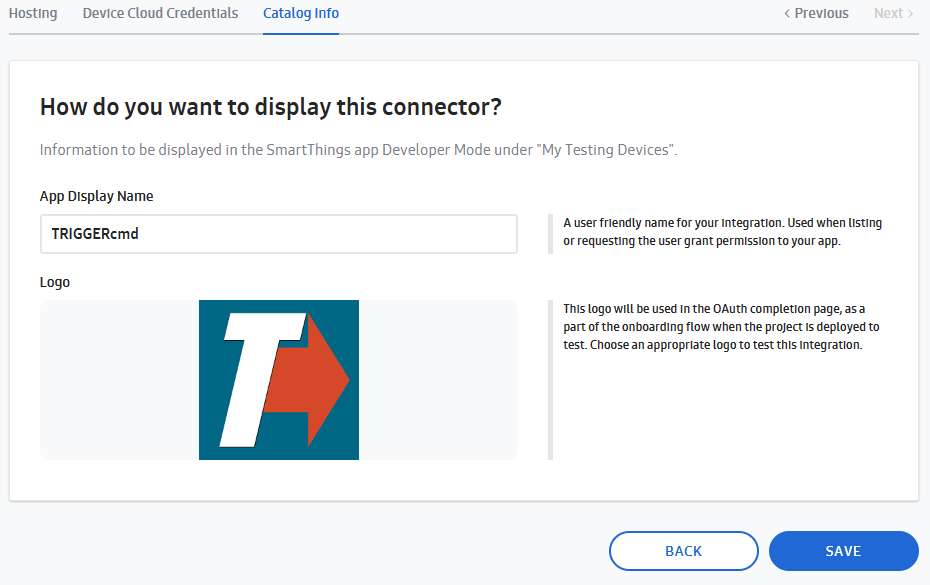
          Need a little help. I'm setting up SmartThings integration with Triggercmd on a PC, and have proceeded thru step 16 (Display Name & Logo). However when I go to SAVE the project, I get a 403 error. Please let me know how to clear. Thanks.

          <!DOCTYPE HTML PUBLIC "-//W3C//DTD HTML 4.01 Transitional//EN" "http://www.w3.org/TR/html4/loose.dtd"> <HTML><HEAD><META HTTP-EQUIV="Content-Type" CONTENT="text/html; charset=iso-8859-1"> <TITLE>ERROR: The request could not be satisfied</TITLE> </HEAD><BODY> <H1>403 ERROR</H1> <H2>The request could not be satisfied.</H2> <HR noshade size="1px"> Request blocked. We can't connect to the server for this app or website at this time. There might be too much traffic or a configuration error. Try again later, or contact the app or website owner. <BR clear="all"> If you provide content to customers through CloudFront, you can find steps to troubleshoot and help prevent this error by reviewing the CloudFront documentation. <BR clear="all"> <HR noshade size="1px"> <PRE> Generated by cloudfront (CloudFront) Request ID: MIY0dFDLnqckr0fXeyfHtZUB7eMuLbfJi7wwnvpB3to6TATFfUFCdA== </PRE> <ADDRESS> </ADDRESS> </BODY></HTML>

          RussR 1 Reply Last reply Reply Quote 0
          • RussR Offline
            Russ @gfh0229
            last edited by Russ

            @gfh0229, I just clicked that Save button and it worked for me. Maybe they fixed it on their end, or maybe there's something in one of your data fields that it's rejecting. 403 is access denied, but their error also suggested, "There might be too much traffic or a configuration error."

            Can you try it again now that you've waited a day?

            Russell VanderMey

            1 Reply Last reply Reply Quote 0
            • Tiago DiasT Offline
              Tiago Dias @Russ
              last edited by

              @Russ I have that issue as well. Are they going to fix it soon? Thx

              RussR 1 Reply Last reply Reply Quote 0
              • RussR Offline
                Russ @Tiago Dias
                last edited by Russ

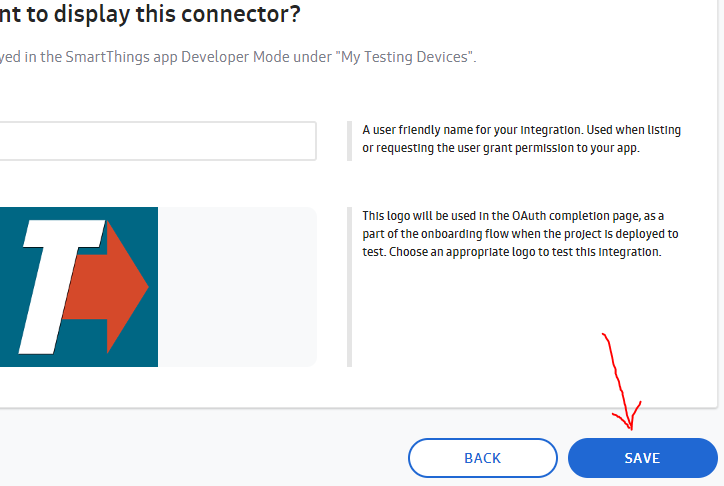
                @Tiago-Dias, do you have the same problem as @gfh0229? Where you click this SAVE button and you get a 403 error?
                b5bb0ade-51cd-4025-a5f6-550cc490c03a-image.png

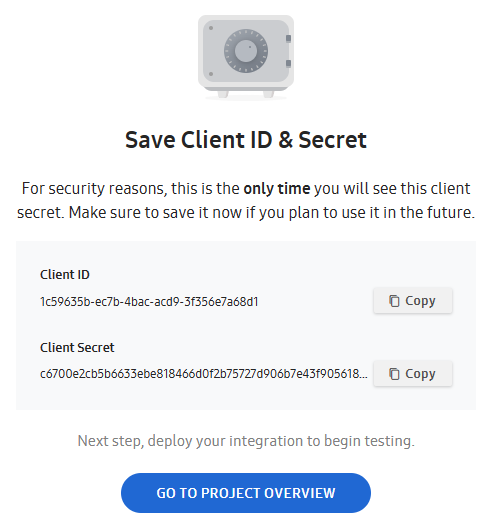
                I don't have that problem. When I click SAVE, I see this:
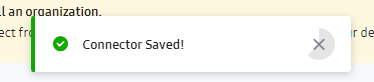
                51f6fc0a-fbaa-48ab-9bba-5b74f0463e17-image.png

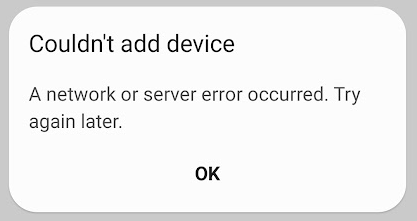
                Or, are you getting the "Couldn't add device A network or server error occurred.
                Try again later" error? I'm still waiting to hear back from Samsung about that. I see it's still an issue in their latest version 1.8.06.23.

                Russell VanderMey

                Cristian DindinelliC 1 Reply Last reply Reply Quote 0
                • Cristian DindinelliC Offline
                  Cristian Dindinelli @Russ
                  last edited by

                  @Russ seems like they solved it, the new testing devices problem.

                  RussR 1 Reply Last reply Reply Quote 0
                  • RussR Offline
                    Russ @Cristian Dindinelli
                    last edited by Russ

                    @Cristian-Dindinelli, great. Thanks for confirming. Samsung emailed me saying they're rolling out a new version of their app that fixes the issue. Apparently that's done now.

                    I updated to SmartThings app version 1.8.07.23 and it's working for me now!

                    Russell VanderMey

                    ? 1 Reply Last reply Reply Quote 1
                    • ? Offline
                      [[global:former-user]] @Russ
                      last edited by

                      @Russ Hi. I have the same ST app version (1.8.07.23) and I'm still getting the same error message!d0030099-18db-4e4e-9206-fa267771ffc1-image.png

                      RussR 1 Reply Last reply Reply Quote 0
                      • RussR Offline
                        Russ @Guest
                        last edited by

                        @David-0, thanks for letting me know. I'll test it again soon and let you know what I see.

                        Russell VanderMey

                        ? 1 Reply Last reply Reply Quote 0
                        • MauroM Offline
                          Mauro
                          last edited by

                          I have the same problem, triggercmd app exist, but can't connect.

                          1 Reply Last reply Reply Quote 0
                          • ? Offline
                            [[global:former-user]] @Russ
                            last edited by

                            @Russ Thank you so much for your help!

                            RussR 1 Reply Last reply Reply Quote 0
                            • RussR Offline
                              Russ @Guest
                              last edited by

                              @David-0 you're welcome.

                              I just tested it and it worked for me. My version is now 1.8.09.23, but I know I tested it with 1.8.07.23 too.

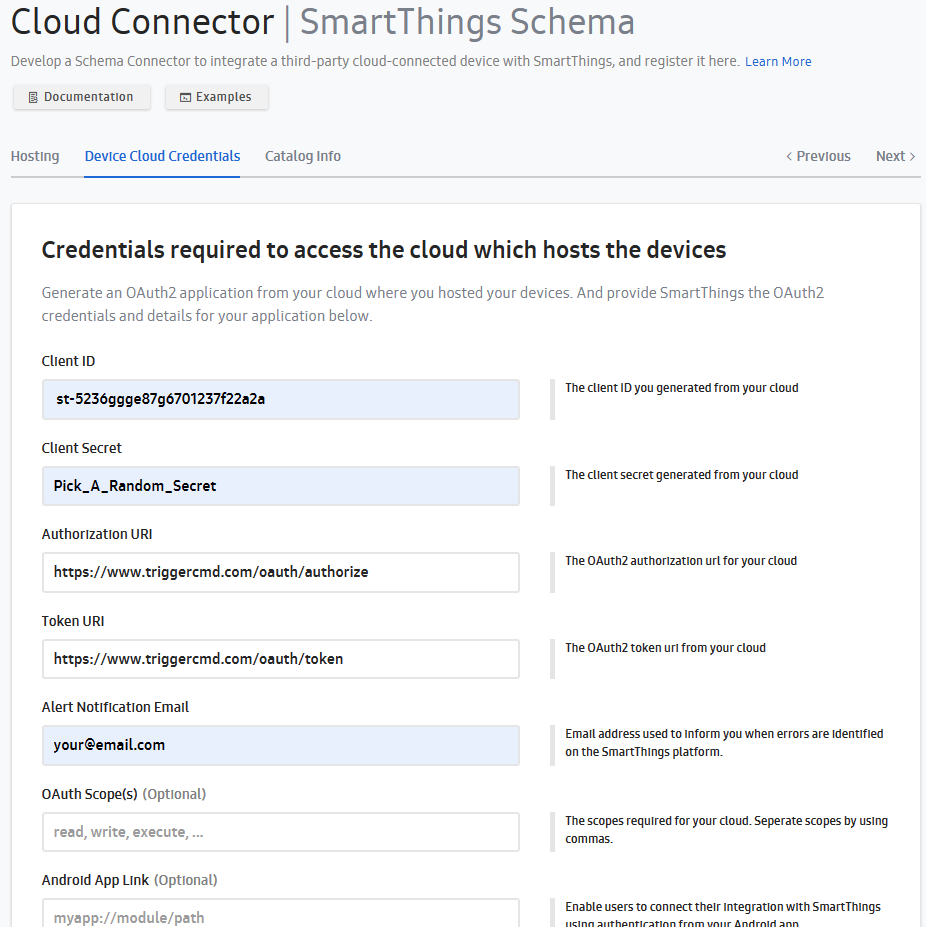
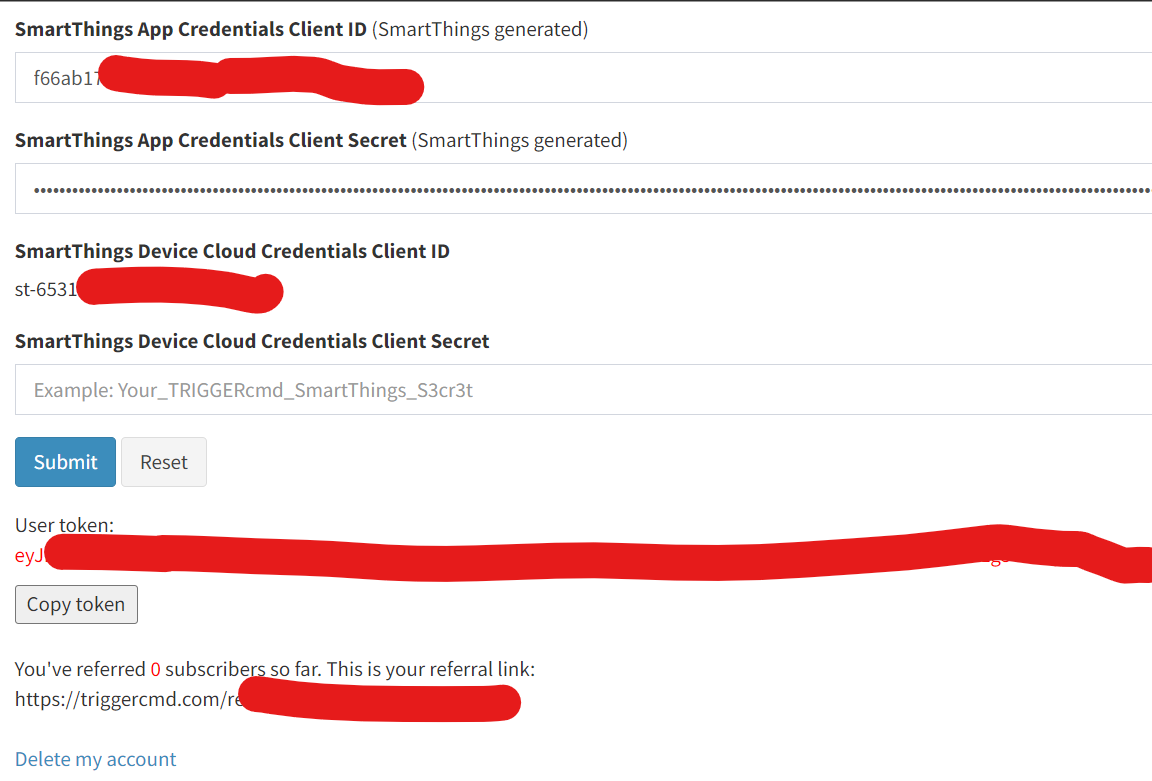
                              In the forum chat, can you send me screenshots over your smartthings settings in your TRIGGERcmd profile page and in your SmartThings connector?

                              Russell VanderMey

                              ? 1 Reply Last reply Reply Quote 0
                              • ? Offline
                                [[global:former-user]] @Russ
                                last edited by

                                @Russ Hi Thanks.
                                SmartThings settings:
                                cb6ebc0a-edfe-481b-b290-38c96661a7a8-image.png

                                sorry where do I find information in the "smartthings connector"?

                                RussR 1 Reply Last reply Reply Quote 0
                                • RussR Offline
                                  Russ @Guest
                                  last edited by

                                  @David-0, that info needs to match your settings on the connector you setup in your Samsung account here:
                                  https://smartthings.developer.samsung.com/workspace/projects

                                  Russell VanderMey

                                  ? 1 Reply Last reply Reply Quote 0
                                  • ? Offline
                                    [[global:former-user]] @Russ
                                    last edited by

                                    @Russ Works now, my apologies, thanks for your help

                                    RussR 1 Reply Last reply Reply Quote 0
                                    • RussR Offline
                                      Russ @Guest
                                      last edited by Russ

                                      @David-0 awesome!

                                      BTW, I saw you were asking about the Alexa skills here but you don't actually need to activate any of the TRIGGERcmd Alexa skills if you link your SmartThings account with Alexa. The pattern for running commands via Smart Things Alexa skill is similar to the TRIGGERcmd Smart Home Alexa skill: Alexa, turn on calculator. They both use that same pattern because they both create Alexa devices named after voice name of your commands.

                                      bca54716-043d-49bb-a7f7-8f1200d86b0d-image.png

                                      Russell VanderMey

                                      1 Reply Last reply Reply Quote 0
                                      • Diego GuerraD Offline
                                        Diego Guerra
                                        last edited by

                                        Hi guys,

                                        @Russ I'm having trouble to create the connection, Samsung is reporting this error: Sorry. A temporary server error occurred. Please try again in a few minutes.

                                        How can I solve this ?

                                        RussR 1 Reply Last reply Reply Quote 0
                                        • RussR Offline
                                          Russ @Diego Guerra
                                          last edited by

                                          @Diego-Guerra, can you send me screenshots of your SmartThings values in your profile and the connector you created in your SmartThings account? I want to see that they match. Send them via the Forum chat to keep them private.

                                          Russell VanderMey

                                          1 Reply Last reply Reply Quote 0
                                          • schmuttisS Offline
                                            schmuttis
                                            last edited by

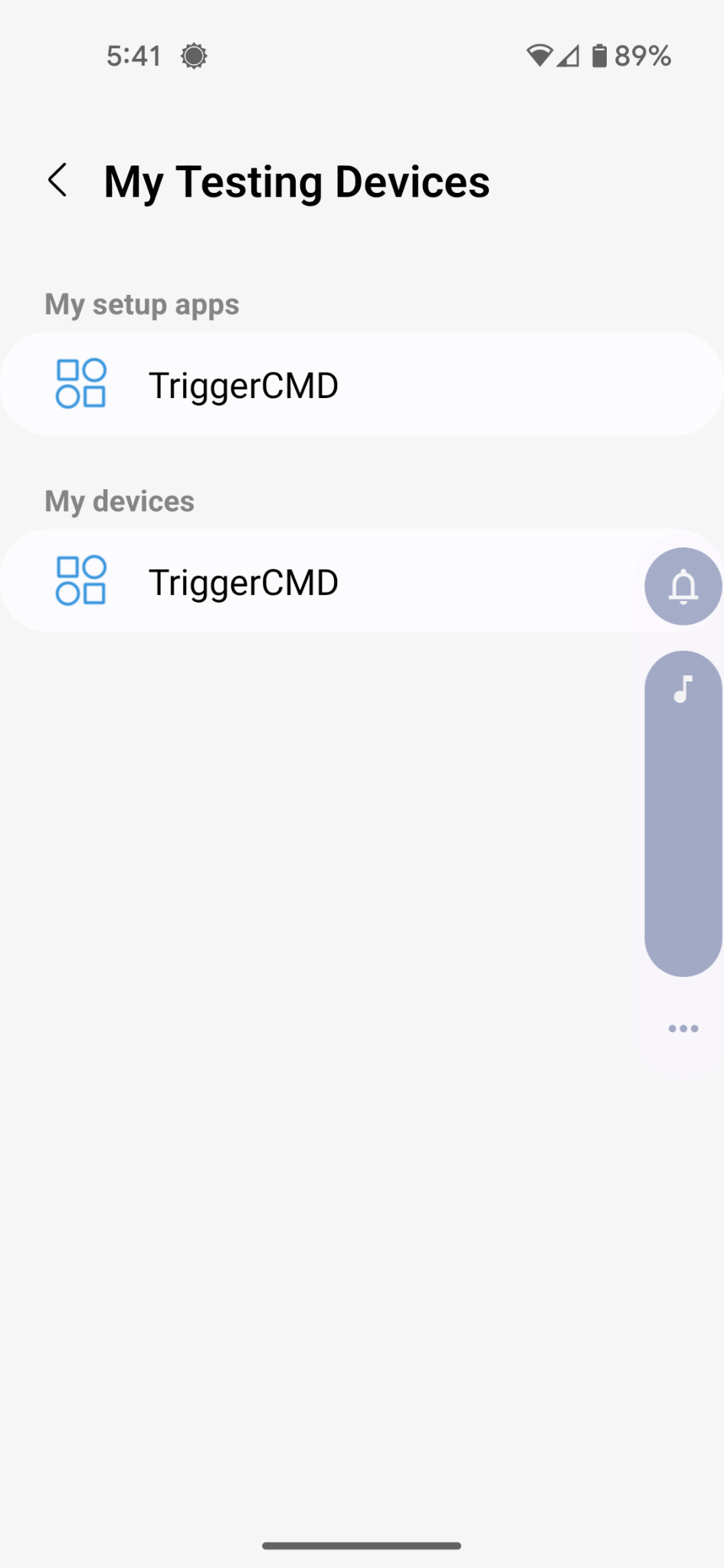
                                            Russ I got up to step 26. Log into TRIGGERcmd (if necessary) and ended up with two TriggerCMDs TwoTriggerCMDs.png
                                            No matter which one I choose when I login I get an error: ErrorAfterLoggingIn.png
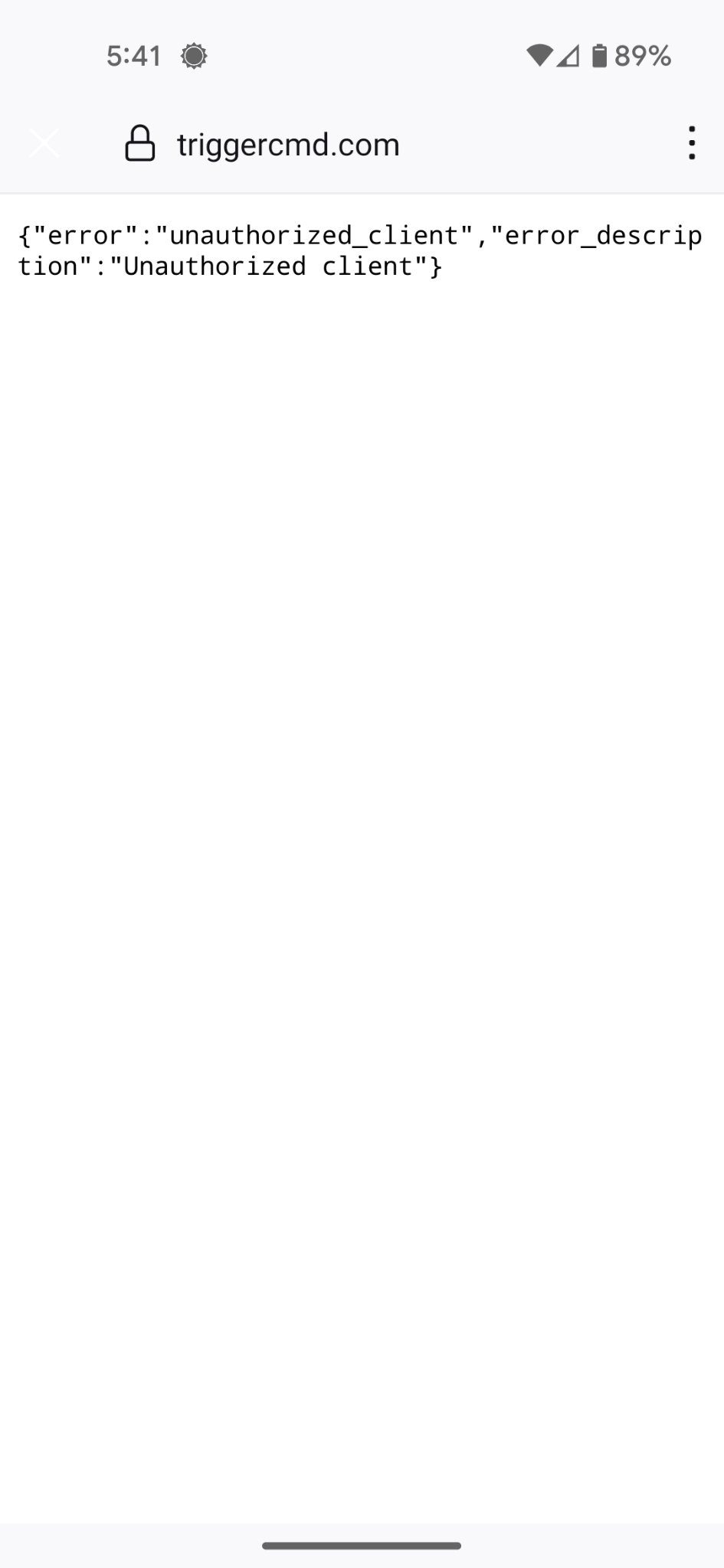
                                            Do you have any idea what I'm doing incorrectly?

                                            Thanks for your help.

                                            RussR 1 Reply Last reply Reply Quote 0

                                            Hello! It looks like you're interested in this conversation, but you don't have an account yet.

                                            Getting fed up of having to scroll through the same posts each visit? When you register for an account, you'll always come back to exactly where you were before, and choose to be notified of new replies (either via email, or push notification). You'll also be able to save bookmarks and upvote posts to show your appreciation to other community members.

                                            With your input, this post could be even better 💗

                                            Register Login
                                            • First post
                                              Last post