TRIGGERcmd Android app now supports widgets
-
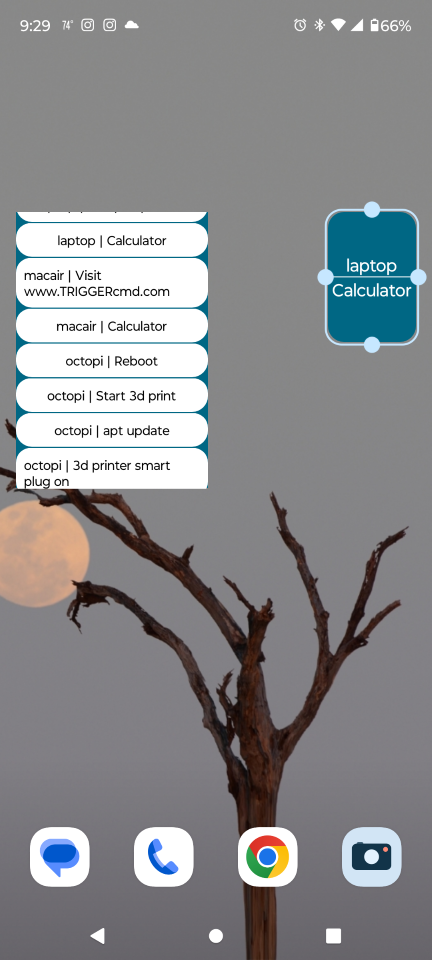
The TRIGGERcmd Android app now supports widgets, so the old "TRIGGERcmd Widgets" app is no longer on the Play Store.
Here's how to use the new widgets feature:
- Long-press on an empty spot on your Android desktop and select Widgets.
- Place a TriggerCMD widget. It will display a list of your triggers.
- Select a trigger from the list.
- (Optional) Long-press the widget to re-size it.
- Tap the widget to trigger your command.
Here's a Youtube video showing how it works:
https://youtu.be/LX7UvqN5PH8

Hello! It looks like you're interested in this conversation, but you don't have an account yet.
Getting fed up of having to scroll through the same posts each visit? When you register for an account, you'll always come back to exactly where you were before, and choose to be notified of new replies (either via email, or push notification). You'll also be able to save bookmarks and upvote posts to show your appreciation to other community members.
With your input, this post could be even better 💗
Register Login