TRIGGERcmd
    • Categories
    • Recent
    • Tags
    • Popular
    • Users
    • Groups
    • Search
    • Register
    • Login
    1. Home
    2. Instructions
    3. MCP
    Log in to post
    Load new posts
    • Recently Replied
    • Recently Created
    • Most Posts
    • Most Votes
    • Most Views
    • Kevin 0K

      OAuth support for MCP server

      • • Kevin 0
      3
      0
      Votes
      3
      Posts
      15
      Views

      RussR

      @Kevin-0, I think it should work now. Can you test it? I can't completely test it myself because I don't have the "plus" version of ChatGPT.

      It's supposed to work but apparently ChatGPT has a bug right now that's preventing free accounts from adding MCP servers. I'm watching this thread for a resolution:
      https://community.openai.com/t/not-able-to-add-chatgpt-app-mcp-server-to-chatgpt/1365324/7

      To add the TRIGGERcmd MCP server to your ChatGPT account:

      Make sure you're logged into your TRIGGERcmd account.

      Enable development mode here: https://chatgpt.com/#settings/Connectors/Advanced
      8704bf08-29d3-4e8b-9382-599dd8e2f552-image.png

      Go here in the same browser: https://chatgpt.com/#settings/Connectors
      237586cd-f0c4-4b06-9744-6cfeedef3867-image.png

      Click "Create app" and set it up like this:
      3e7fb33a-8fa4-4630-9943-15b13e7bf137-image.png

    • RussR

      Run the MCP server in Docker

      • • Russ
      3
      0
      Votes
      3
      Posts
      328
      Views

      RussR

      Thanks @Frederick1337 !

    • RussR

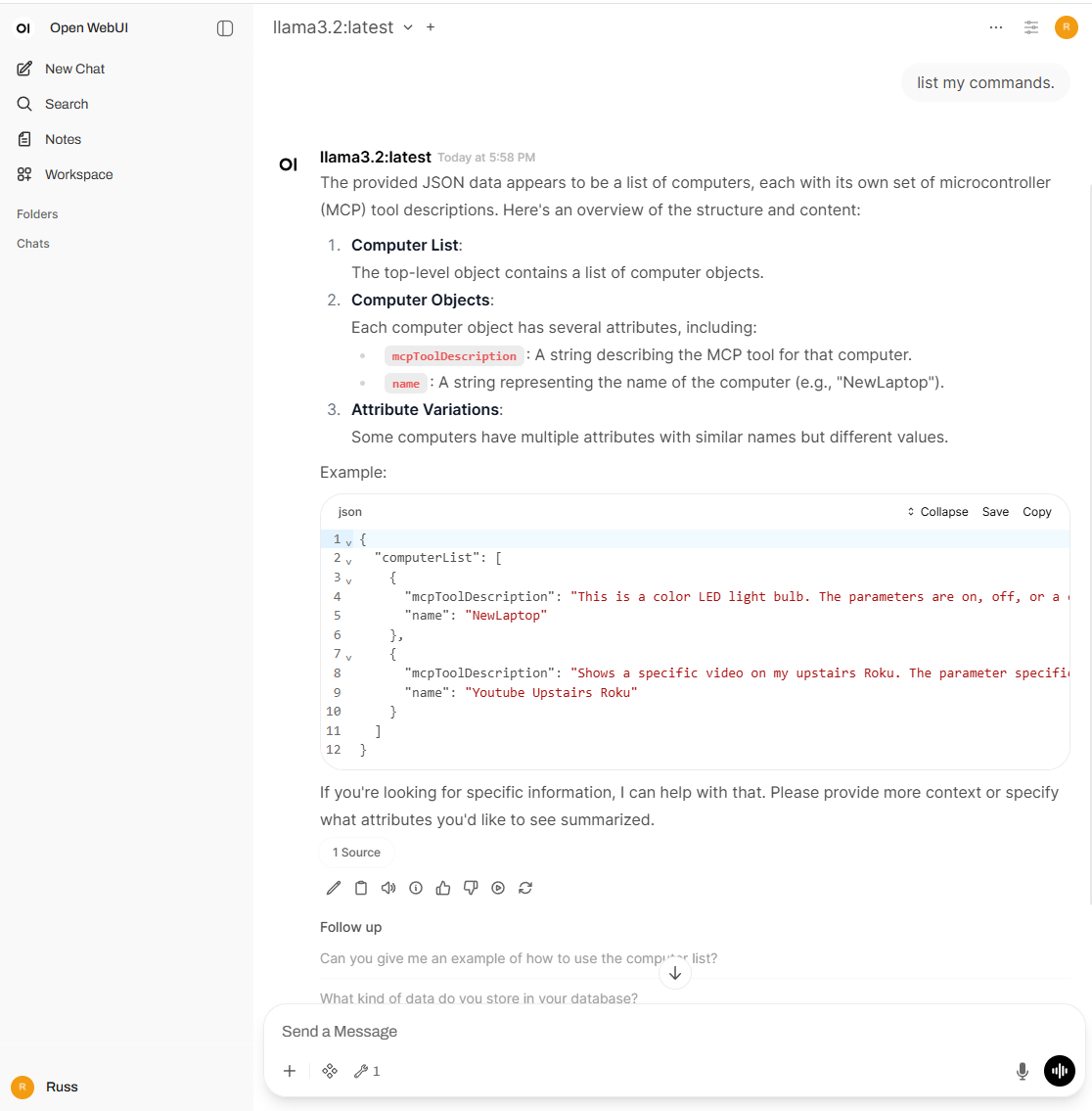
      I used the local TRIGGERcmd stdio mcp server with a local LLM with Ollama and Open WebUI

      • • Russ
      1
      0
      Votes
      1
      Posts
      151
      Views

      No one has replied

    • RussR

      How to use the TRIGGERcmd MCP servers

      • • Russ
      1
      0
      Votes
      1
      Posts
      286
      Views

      No one has replied