Problema no programa
-
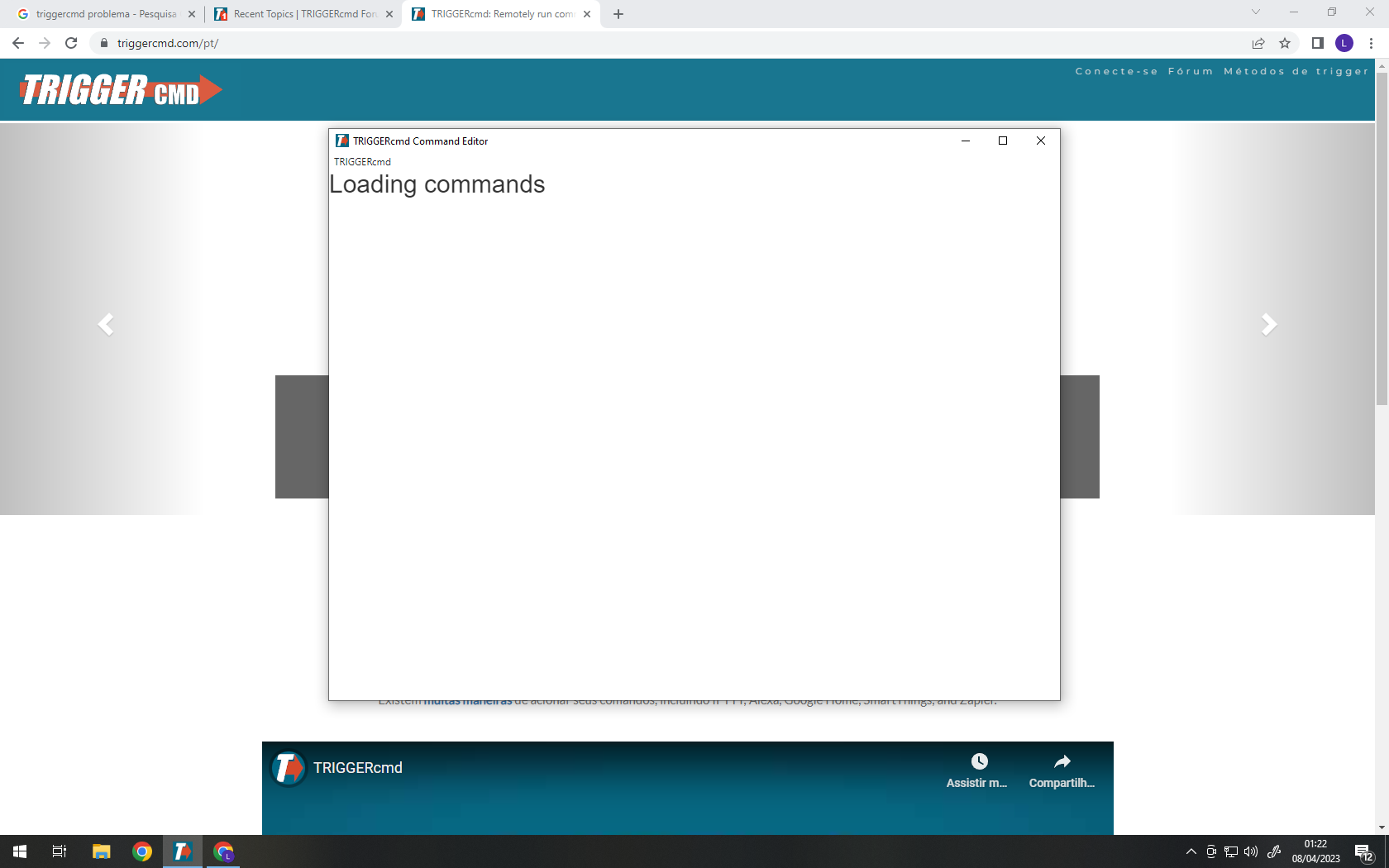
Meu programa não sai dessa tela, ja tentei reinstalar e nao resolve.
-
I think your commands.json file is corrupt, so the GUI Command Editor can't read it. Maybe there's a bad character in it or something. Would you mind pasting its contents here? I'd like to see if I can see the problem. You can use the Text Command Editor to edit it.
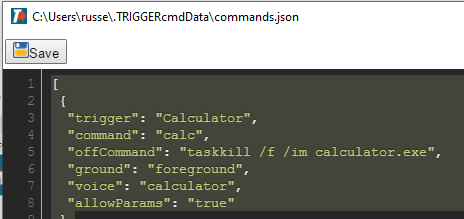
You could probably fix it by replacing the contents with the following text, but you'll only have 1 command called Calculator.
[
 {
  "trigger": "Calculator",
  "command": "calc",
  "offCommand": "taskkill /f /im calculator.exe",
  "ground": "foreground",
  "voice": "calculator",
  "allowParams": "true"
 }
]
Alternatively, you could delete your commands.json file, then close and open the TRIGGERcmd agent. That will restore the original commands.json file.
-
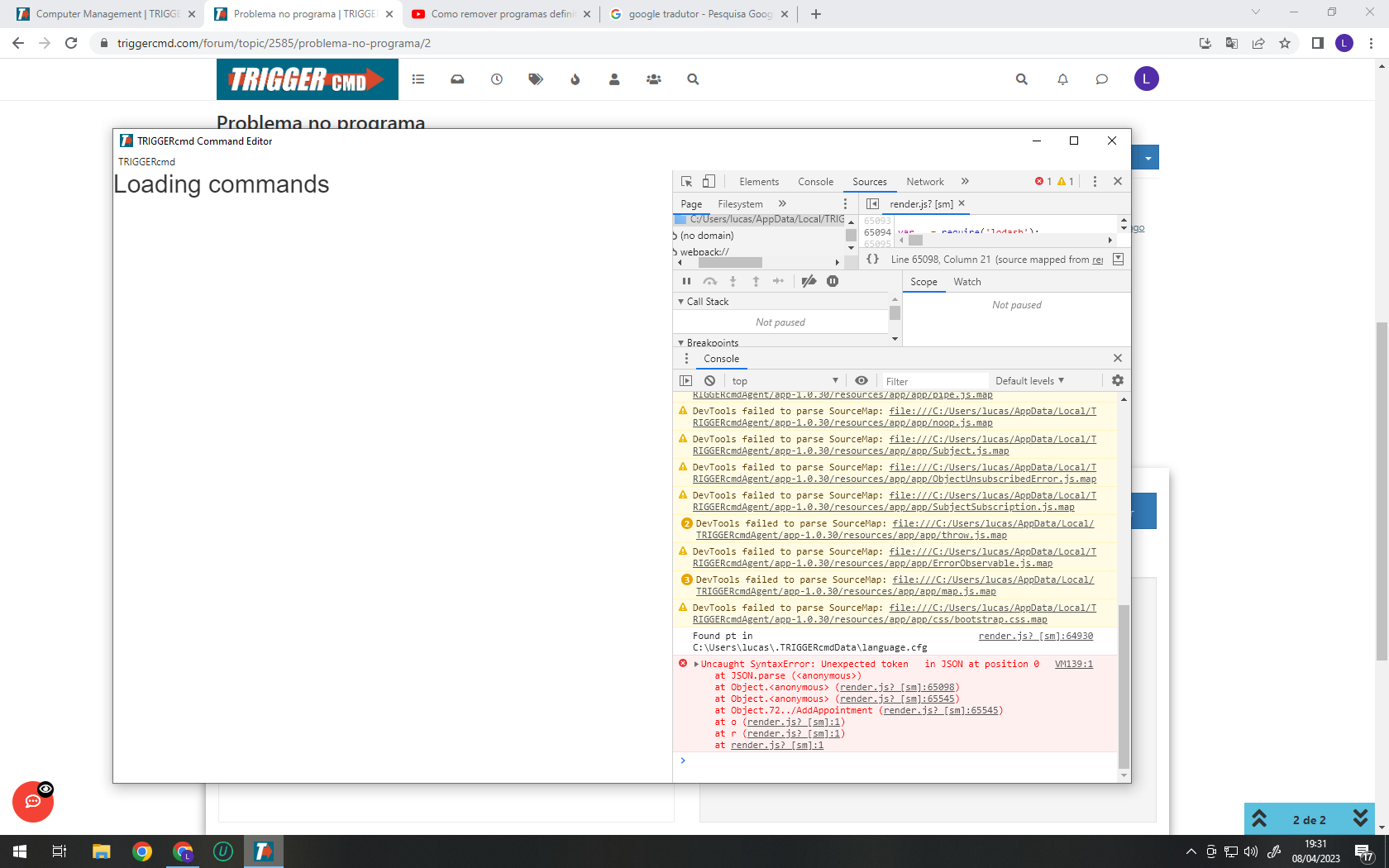
I did the procedure, it didn't solve it, these errors appear, it seems that it is corrupted, but I reinstalled it several times and it continues
-
@Lucas-Eduardo-0, a re-installing won't help because the problem is in your data files which persist when you uninstall.
Will you please paste the contents of this file here?
c:\Users\(your user)\.TRIGGERcmdData\commands.jsonThe corruption might be in that file.
Or, if you want, you could try a complete reset with this steps:
- Close the TRIGGERcmd agent
- Rename the c:\Users\(your user)\.TRIGGERcmdData folder.
- Delete the computer in your TRIGGERcmd account.
- Open the TRIGGERcmd agent.
- Copy/paste your token from the Instructions page into the prompt.


Hello! It looks like you're interested in this conversation, but you don't have an account yet.
Getting fed up of having to scroll through the same posts each visit? When you register for an account, you'll always come back to exactly where you were before, and choose to be notified of new replies (either via email, or push notification). You'll also be able to save bookmarks and upvote posts to show your appreciation to other community members.
With your input, this post could be even better 💗
Register Login