Command with Parameters from Integromat
-
Hello,
I would like to bring the data from my CRM connected through Integromat to a text file on a Ubuntu machine.
I have set up the integromat scenario like this:
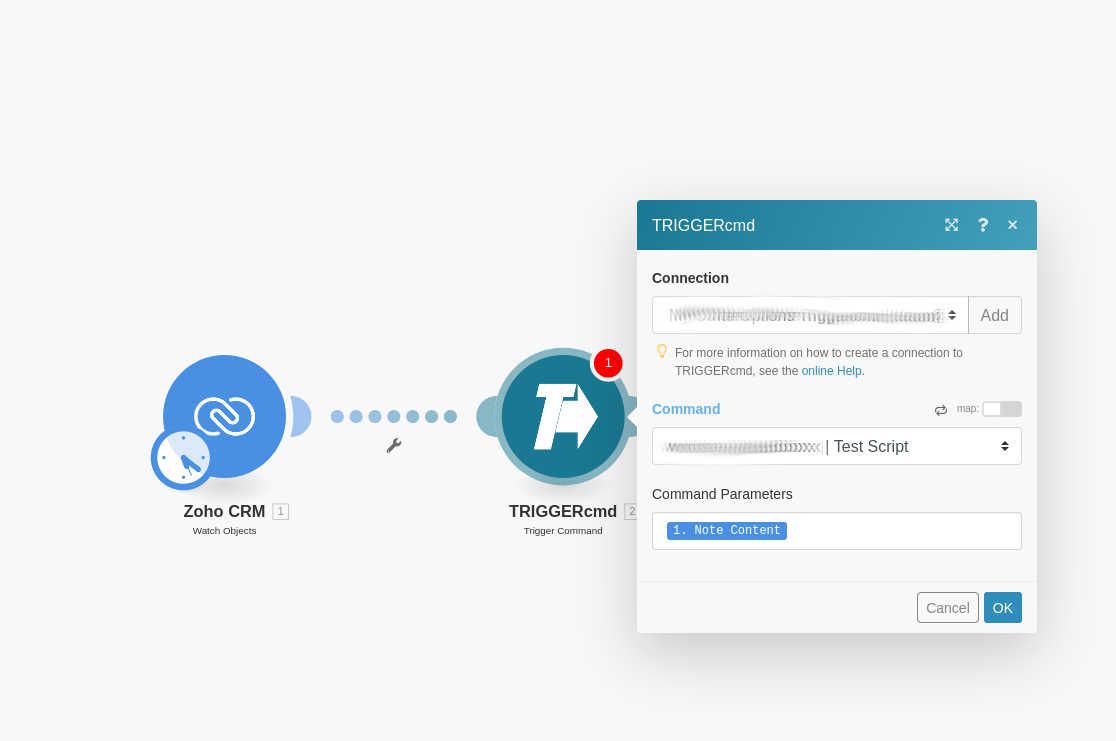
And the command like this:

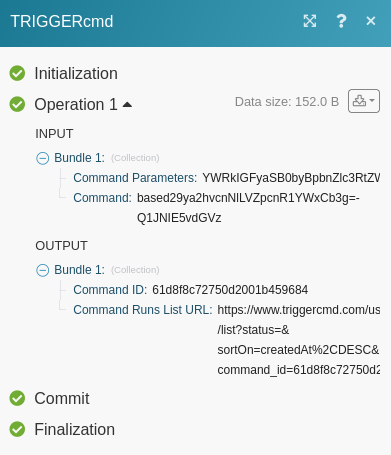
Which gets this result:

My main question is how do I bring the "note content" into the part of the triggercmd trigger so that the text file shows the note content.
Thanks!
-
@affa, please try this:
Create a script that writes the first parameter to your output.txt file:
echo 'echo $1 >> /home/workhorse/Documents/Data/output.txt' > /home/workhorse/crm.shMake the script executable:
chmod +x /home/workhorse/crm.shTest the script:
/home/workhorse/crm.sh "testing 1234"
cat /home/workhorse/Documents/Data/output.txt
Change your "Test Script" command in your TRIGGERcmd agent to this:
/home/workhorse/crm.sh -
@Russ Thanks so much for your help so far! That worked for the commands but I'm still stuck on getting the data from Integromat through TriggerCMD!
I can run the script both from the command line and from the GUI of TriggerCMD, however, it doesn't seem to want to carry the data over from Integromat.
For example if I run this script with Base64 from the GUI it works as intended:

However, when I run it from integromat I get a blank file:
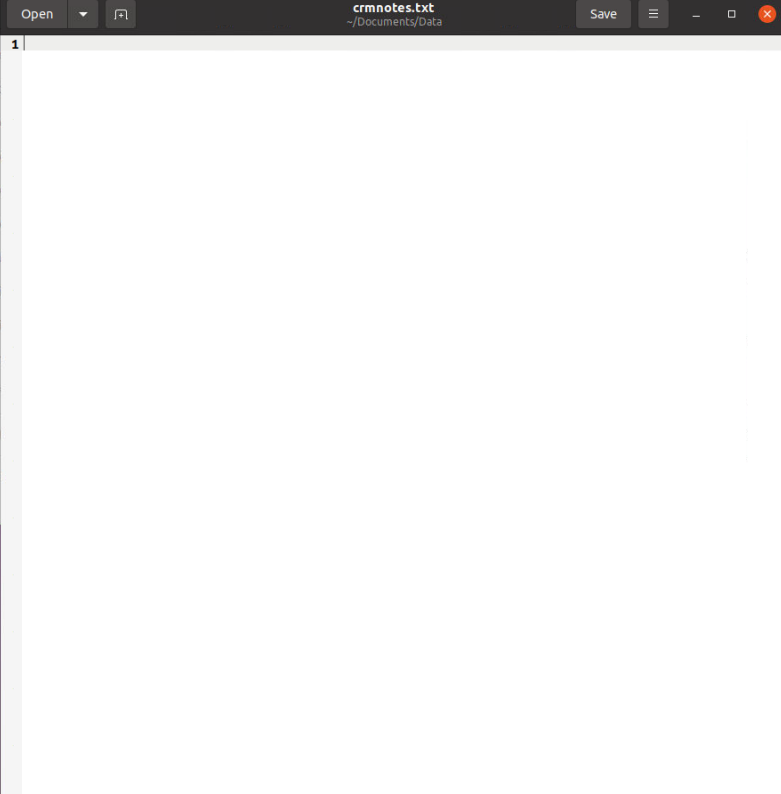
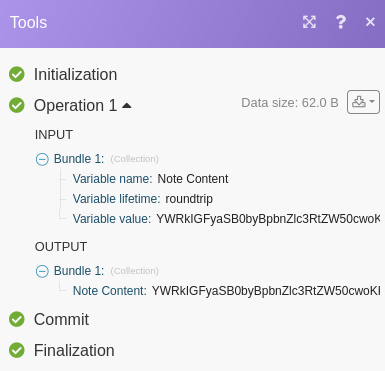
I have tried it with the base64 on both in the TriggerCMD and as variable modules in integromat and I get the same result. Any ideas?
-
@affa, I'd like to narrow down the problem.
Does it work if you use the Parameters button on the website?

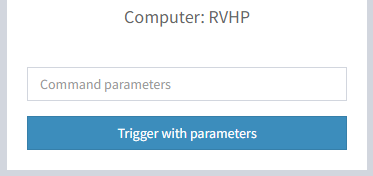
We should make sure this works before moving on to Integromat.

Hello! It looks like you're interested in this conversation, but you don't have an account yet.
Getting fed up of having to scroll through the same posts each visit? When you register for an account, you'll always come back to exactly where you were before, and choose to be notified of new replies (either via email, or push notification). You'll also be able to save bookmarks and upvote posts to show your appreciation to other community members.
With your input, this post could be even better 💗
Register Login