TRIGGERcmd
    • Categories
    • Recent
    • Tags
    • Popular
    • Users
    • Groups
    • Search
    • Register
    • Login

    Error while connecting to Samsung SmartThings

    Scheduled Pinned Locked Moved General Discussion
    6 Posts 4 Posters 1.9k Views 1 Watching
    Loading More Posts
    • Oldest to Newest
    • Newest to Oldest
    • Most Votes
    Reply
    • Reply as topic
    Log in to reply
    This topic has been deleted. Only users with topic management privileges can see it.
    • M Offline
      mccloud
      last edited by

      Hi!
      I followed the setup instructions for SmartThing and after putting in my username and password I try to select the command.
      Commands are listed ok, but after pressing Done I get an error, something like there is no network connection.
      This is from the SmartThings web log:

      error physicalgraph.app.exception.UnknownDeviceTypeException: Device type 'TRIGGERcmd Switch' in namespace 'vandermeyconsulting' not found. @line 136 (doCall)

      Thanks!

      RussR 1 Reply Last reply Reply Quote 1
      • RussR Offline
        Russ @mccloud
        last edited by Russ

        @mccloudl, that error might mean you installed the SmartApp but didn't install the Device Handler.

        https://www.triggercmd.com/forum/topic/29/smartthings-integration-flip-a-virtual-switch-to-run-a-command

        Russell VanderMey

        1 Reply Last reply Reply Quote 0
        • Mitchel FollettM Offline
          Mitchel Follett
          last edited by

          I'm having the same issue and I have both the device handler and smartapp correctly installed as per the guide, I've checked and republished the code twice and still no dice.

          Thanks.

          RussR 1 Reply Last reply Reply Quote 0
          • RussR Offline
            Russ @Mitchel Follett
            last edited by Russ

            @Mitchel-Follett, can you send screenshots?

            Do you get the same error in your log that mccloud showed?

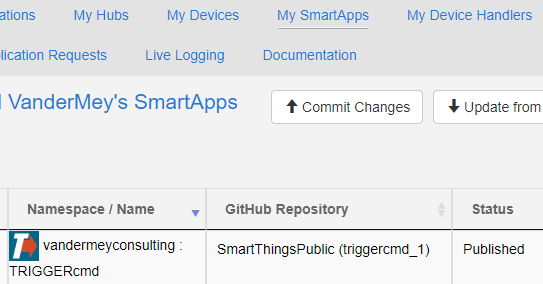
            This is what mine looks like:

            SmartApp:
            5cf670db-7bfc-483b-a557-1343a8239b29-image.png

            354437ae-ca4c-4e9e-8fa2-a496eee9b64d-image.png

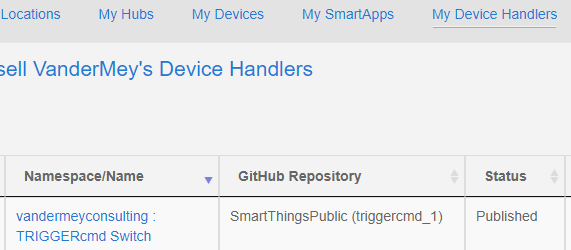
            Device Handler:
            f5496d39-ebd3-4cf5-bc61-58ea31fcfc94-image.png

            7d3b828c-a484-47b4-a62d-2f7f07e70ead-image.png

            Russell VanderMey

            1 Reply Last reply Reply Quote 0
            • R Offline
              rkstormer
              last edited by

              I'm getting a similar error on Android. Screenshots attached, including live log. I have the same problem when I tried on my iPad as well and have the same problem except I don't get the error message, it just stays stuck at the black screen with a next button. I did install both the smart app and device handler, and removed and reinstalled again, and my phone does have an internet connection. I've also triple checked my email and password I use for triggercmd.
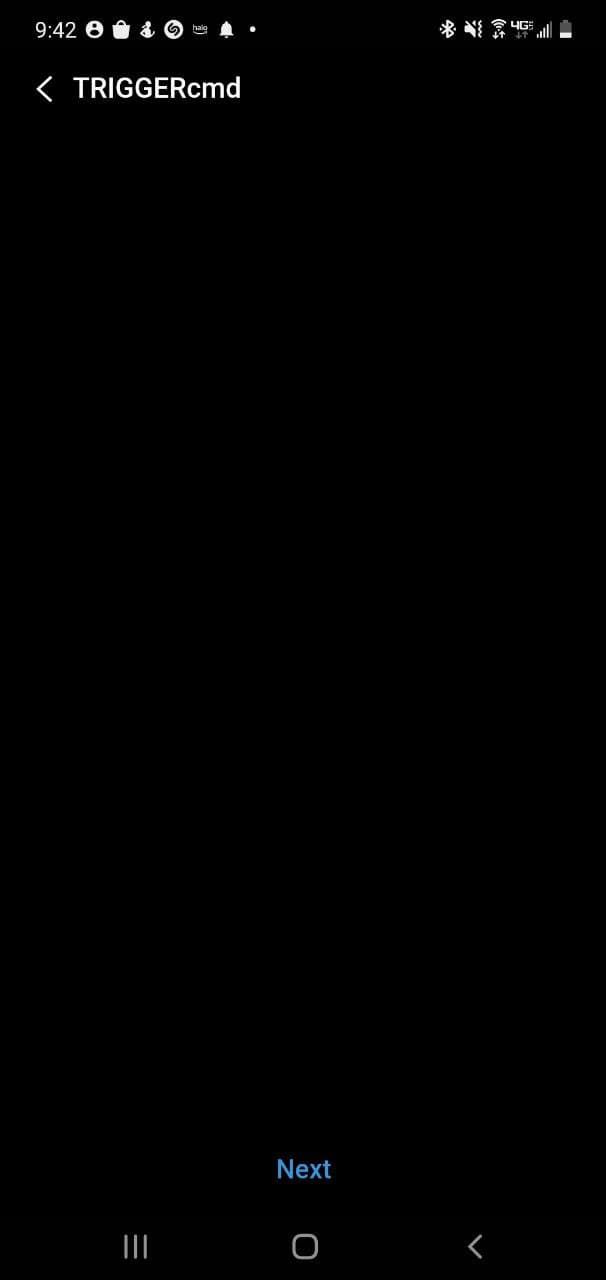
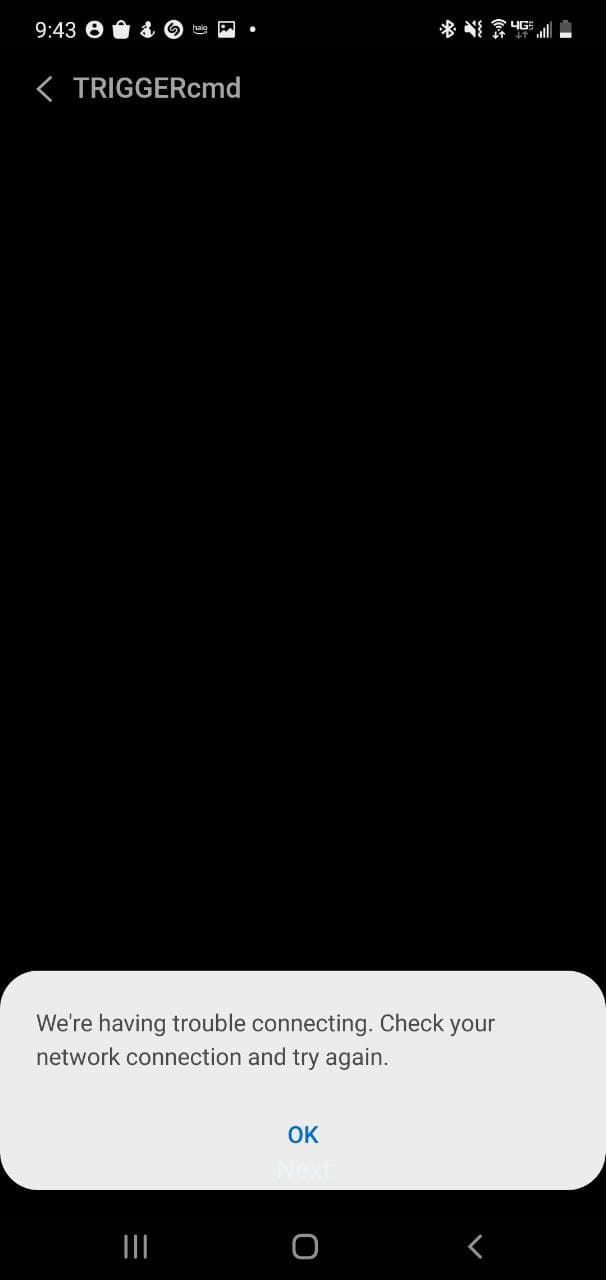
              photo_2021-08-20_09-52-30.jpg photo_2021-08-20_09-52-26.jpg 2021-08-20_10-13-29.png

              RussR 1 Reply Last reply Reply Quote 0
              • RussR Offline
                Russ @rkstormer
                last edited by Russ

                @rkstormer, thanks for your patience. I'm glad we got it figured out.

                FYI, this typo was the problem with the SmartApp code. This commit fixes it, so you can upgrade to the latest version of the code now and it should work fine.

                https://github.com/rvmey/SmartThingsPublic/commit/354a7bd74ae911197433c476f0c59c1dba5de91a#diff-cf70bb620d755db3e5a6ede5fd18e43d1b639309fa4e7b63c3e2e9222b2b3992

                Russell VanderMey

                1 Reply Last reply Reply Quote 0

                Hello! It looks like you're interested in this conversation, but you don't have an account yet.

                Getting fed up of having to scroll through the same posts each visit? When you register for an account, you'll always come back to exactly where you were before, and choose to be notified of new replies (either via email, or push notification). You'll also be able to save bookmarks and upvote posts to show your appreciation to other community members.

                With your input, this post could be even better 💗

                Register Login
                • First post
                  Last post