TRIGGERcmd
    • Categories
    • Recent
    • Tags
    • Popular
    • Users
    • Groups
    • Search
    • Register
    • Login

    How Open OBS

    Scheduled Pinned Locked Moved Windows
    7 Posts 2 Posters 3.0k Views 1 Watching
    Loading More Posts
    • Oldest to Newest
    • Newest to Oldest
    • Most Votes
    Reply
    • Reply as topic
    Log in to reply
    This topic has been deleted. Only users with topic management privileges can see it.
    • Marco TorranoM Offline
      Marco Torrano
      last edited by Marco Torrano

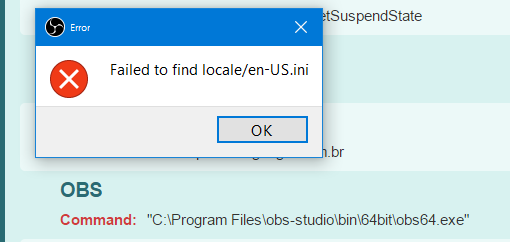
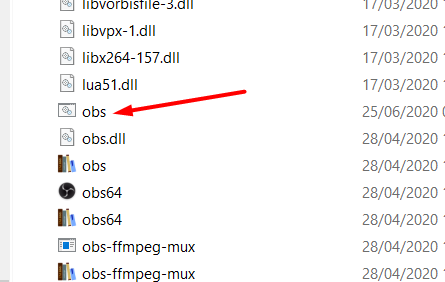
      Why i cant open OBS? Thanks

      c468842b-fac5-4306-9da2-a3bcc8e2a40f-image.png

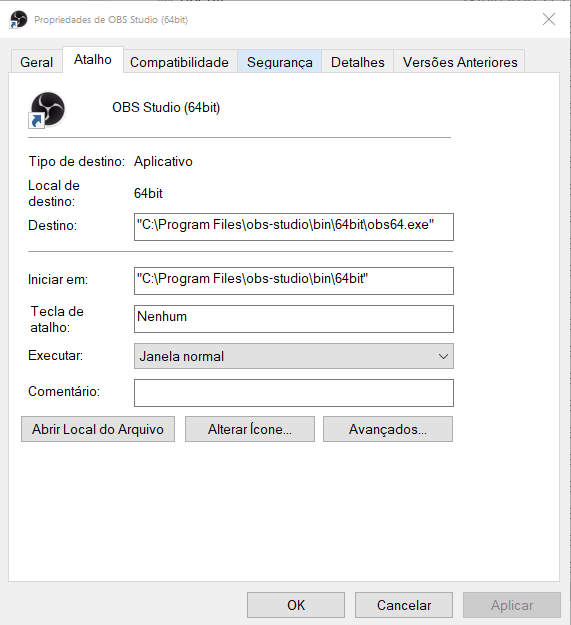
      be11c334-b6f5-4012-a017-5615f0491ecc-image.png

      RussR 1 Reply Last reply Reply Quote 0
      • RussR Offline
        Russ @Marco Torrano
        last edited by

        @Marco-Torrano, apparently OBS requires you to be in the 64bit folder when you run obs64.exe.

        This is how I solved it. I created a batch file at d:\tools\obs.bat with these contents, and TRIGGERcmd runs my batch file:

        d:
        cd "d:\Program Files (x86)\obs-studio\bin\64bit"
        "D:\Program Files (x86)\obs-studio\bin\64bit\obs64.exe"
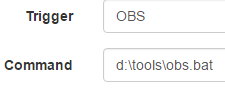
        

        02bb08af-6069-4bb7-9deb-db2695128e23-image.png

        Russell VanderMey

        1 Reply Last reply Reply Quote 0
        • Marco TorranoM Offline
          Marco Torrano
          last edited by

          I dont find d:\tools\ here. ;(((

          RussR 1 Reply Last reply Reply Quote 0
          • RussR Offline
            Russ @Marco Torrano
            last edited by Russ

            @Marco-Torrano, that's just where I put it when I tested. You can create a folder like c:\scripts instead.

            Russell VanderMey

            1 Reply Last reply Reply Quote 0
            • Marco TorranoM Offline
              Marco Torrano
              last edited by

              Re: How Open OBS

              I didnt :(((

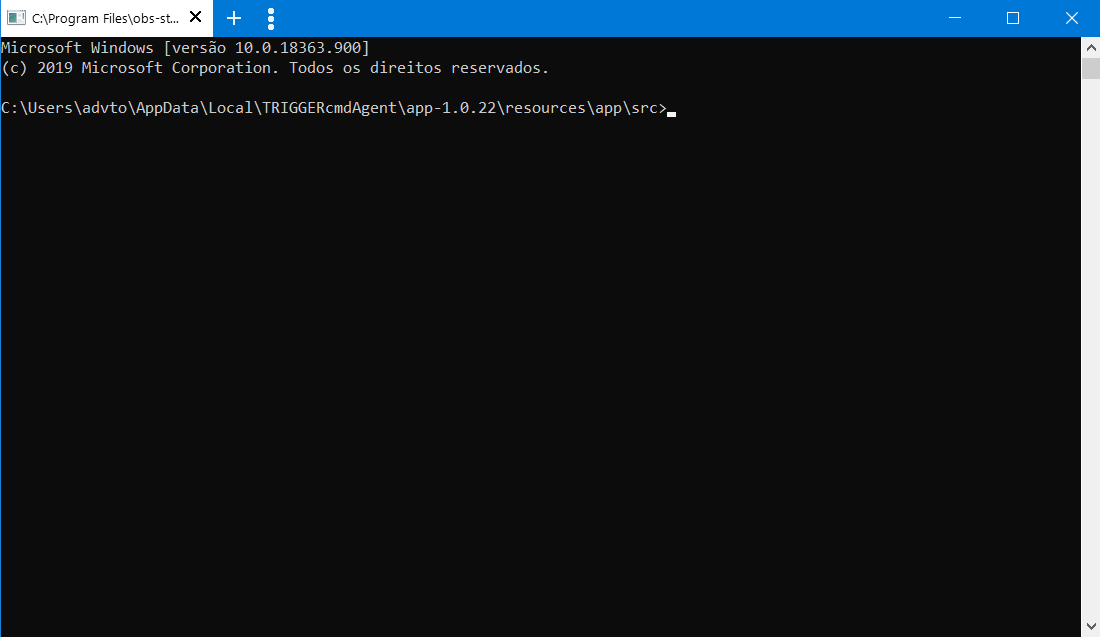
              f7156cd1-3102-4b2c-b1a0-98536d3b3181-image.png

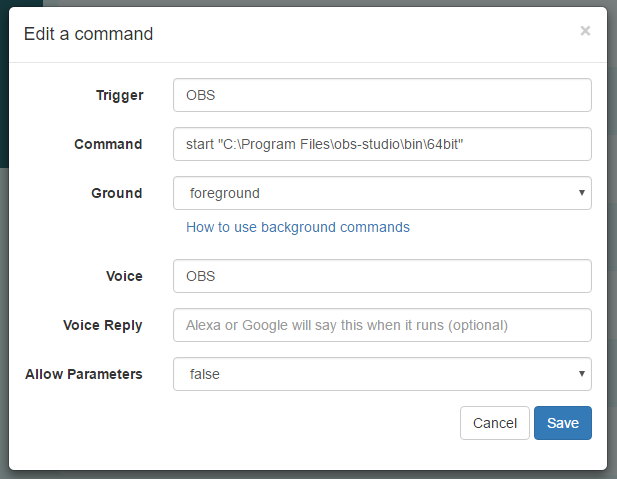
              d0b6723a-ab83-490a-b3d5-609a32b20e72-image.png

              1e904c45-3813-4b34-9d1f-baf5537e2a57-image.png

              RussR 1 Reply Last reply Reply Quote 0
              • RussR Offline
                Russ @Marco Torrano
                last edited by Russ

                @Marco-Torrano, sorry, I realize my OBS is installed on my 😧 drive, but on your computer it's probably on the 😄 drive.

                Your c:\tools\obs.bat batch file script should have these contents because OBS is on your 😄 drive:

                c:
                cd "c:\Program Files (x86)\obs-studio\bin\64bit"
                "C:\Program Files (x86)\obs-studio\bin\64bit\obs64.exe"
                

                I made a video to show the process: https://youtu.be/y0M8ccNH96c

                Russell VanderMey

                Marco TorranoM 1 Reply Last reply Reply Quote 0
                • Marco TorranoM Offline
                  Marco Torrano @Russ
                  last edited by

                  @Russ Omg. Thank you, Russ. Thank you. ;))

                  1 Reply Last reply Reply Quote 1

                  Hello! It looks like you're interested in this conversation, but you don't have an account yet.

                  Getting fed up of having to scroll through the same posts each visit? When you register for an account, you'll always come back to exactly where you were before, and choose to be notified of new replies (either via email, or push notification). You'll also be able to save bookmarks and upvote posts to show your appreciation to other community members.

                  With your input, this post could be even better 💗

                  Register Login
                  • First post
                    Last post